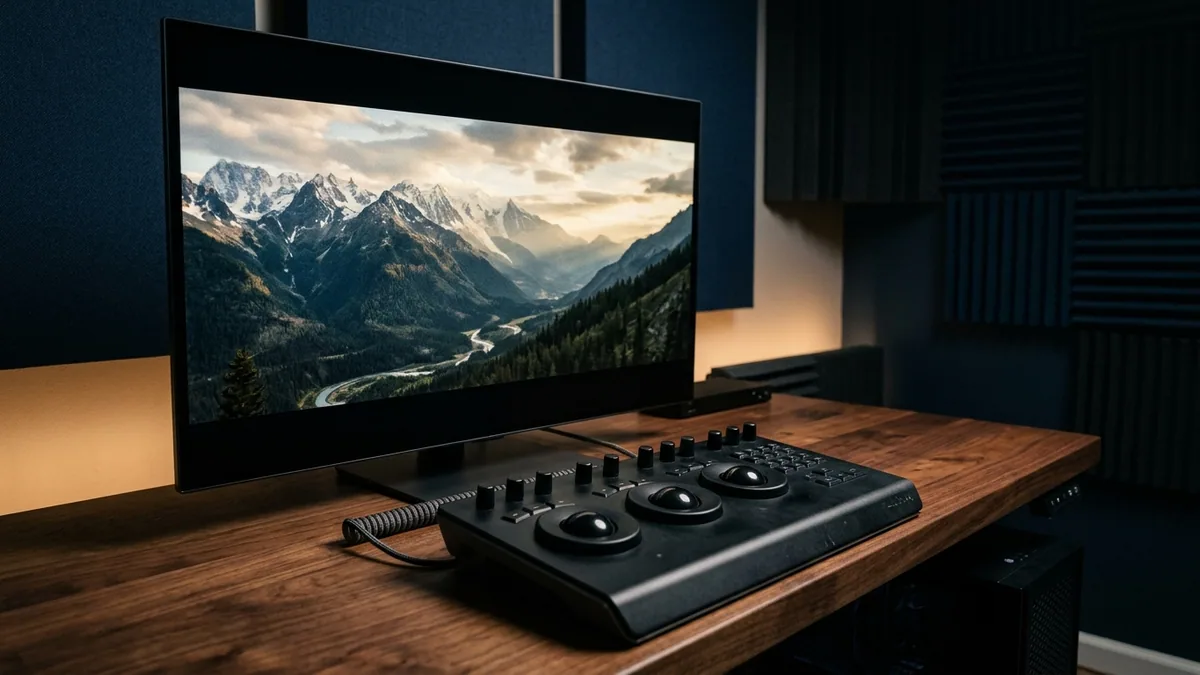
Mirrorless cinema cameras now shoot 4K 120fps 10-bit 4:2:2 and 8K RAW effortlessly onto compact CFexpress cards—pushing the real production bottleneck squarely onto non-linear editing (NLE) software architecture, GPU hardware decoders, and finishing plugins. Choosing the wrong NLE for your delivery cadence costs hours every week waiting on proxy transcodes, babysitting dynamic-link crashes, or paying perpetual monthly tolls for features available as a one-time studio license.
This technical editing and color-grading guide benchmarks DaVinci Resolve Studio, Adobe Premiere Pro + After Effects, and CapCut Pro—alongside finishing force-multipliers Topaz Video AI, Dehancer Pro OFX, and MotionVFX mFilmLook—across real 8K codec throughput, node vs. layer color science, motion graphics workflows, and 3-year Total Cost of Ownership via NguyenKey.
NLE Architecture Benchmarked: DaVinci Resolve Studio vs. Premiere Pro vs. CapCut Pro
Every top video editor in 2026 excels at a distinct editorial job—and understanding their underlying rendering pipelines clarifies why most commercial post houses run a primary NLE plus one targeted companion rather than debating tribal brand loyalty.
DaVinci Resolve Studio is an all-in-one Hollywood finishing environment built on a unified 32-bit floating-point GPU pipeline. Switching seamlessly from Cut/Edit timelines into Fusion VFX, node-based Color grading (DaVinci Wide Gamut / ACES), and Fairlight 2,000-track audio mixing with zero roundtrip exports makes Resolve unbeatable for documentaries, commercial spots, music videos, and cinema YouTube channels. Stepping up from free Resolve to the perpetual Studio key unlocks 10-bit H.264/H.265 GPU hardware decoding/encoding on Windows, 8K/120fps exports, AI Magic Mask object/person isolation, Temporal & Spatial Noise Reduction, AI Voice Isolation, Optical Flow Speed Warp, and Dolby Vision HDR trim passes.
Adobe Premiere Pro + After Effects retains decisive dominance wherever heavy kinetic motion graphics, broadcast brand packages, and collaborative agency handoffs rule the brief. Dynamic Link lets motion designers animate complex typographic explainers, Lottie/vector HUDs, and 3D camera tracks inside After Effects and inspect live updates on the Premiere timeline—while native Frame.io V4 Pro integration drops timestamped client revision markers directly onto timeline frames.
CapCut Pro owns high-frequency vertical and short-form social production (TikTok, Reels, YouTube Shorts). Features that require 15 minutes of manual keyframing in traditional NLEs—word-by-word animated retention captions, instant vocal beat-syncing, cloud mobile-to-desktop project handoff, and trend-ready transition templates—execute in ninety seconds inside CapCut Pro, letting growth studios publish 5x more daily shorts without burning senior colorist hours.
| Post-Production Metric | DaVinci Resolve Studio | Adobe Premiere Pro + AE | CapCut Pro |
|---|---|---|---|
| License Model | Perpetual key (2 workstations, free major upgrades) | Subscription (standalone or Creative Cloud All Apps) | Affordable subscription across Desktop & Mobile |
| Color Science & HDR Grading | Industry gold standard (32-bit float nodes, DWG/ACES) | Solid Lumetri layers; limited complex secondary pipelines | Fast stylized LUTs & quick social contrast curves |
| 8K & 10-Bit 4:2:2 GPU Speed | Exceptional (native NVDEC / Apple Media Engine) | Strong on ProRes & modern RTX/M-series hardware | Optimized for fast 1080p–4K social H.264/HEVC exports |
| Motion Graphics & VFX | Node-based Fusion built in (steep learning curve) | Unrivaled via After Effects Dynamic Link + MOGRTs | Instant auto-captions, kinetic templates & AI cutouts |
| Audio Repair & Mixing | Full Fairlight DAW + built-in AI Voice Isolation | Essential Sound + Audition / iZotope VST3 support | Fast 1-click vocal cleanup & auto-ducking |
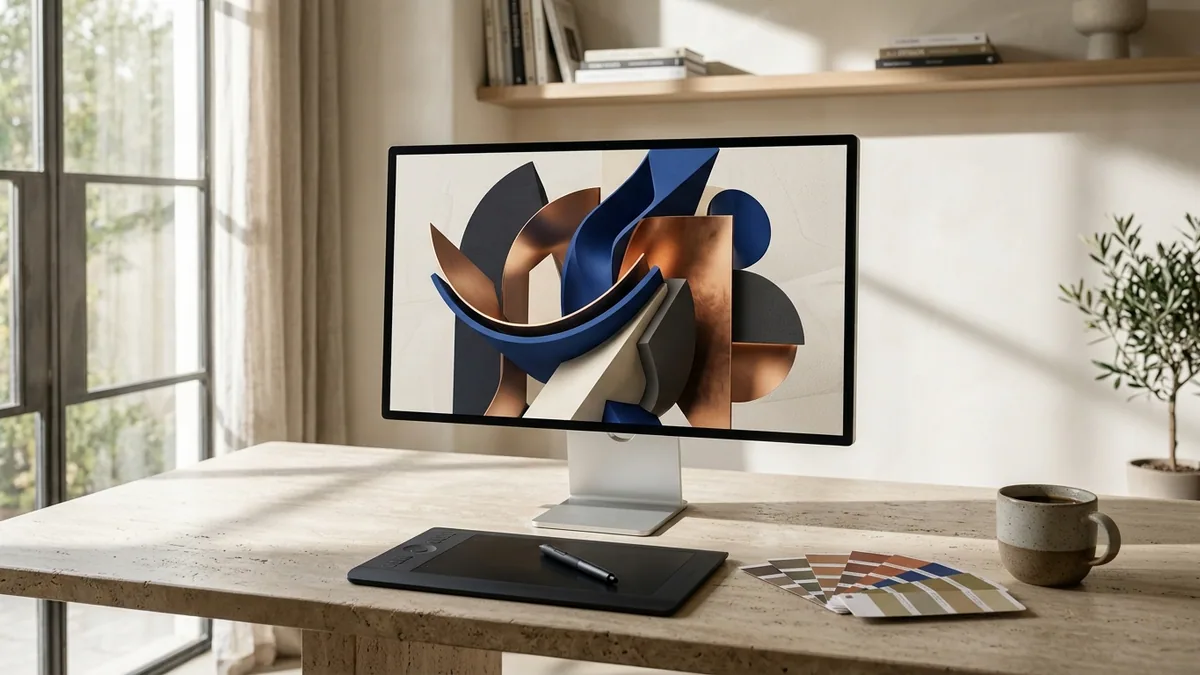
Cinema Finishing Multipliers: Topaz Video AI & Dehancer Pro Film Emulation
Two specialized perpetual plugins consistently separate amateur digital sharpness from theatrical texture across both Resolve and Premiere timelines:
Topaz Video AI runs dedicated local neural networks (Proteus, Iris, Rhea, Chronos, Apollo) directly on your workstation RTX GPU or Apple Silicon Neural Engine. Documentary editors rescue noisy low-light 1080p archive interviews to razor-sharp 4K without waxy plastic skin smoothing; commercial teams convert 24fps/30fps camera clips into ultra-clean 60fps or 120fps slow motion via Apollo optical-flow synthesis; and AI video creators upscale 720p/1080p Kling AI or RunwayML shots cleanly for 4K OLED screens—all locally with $0 per-minute cloud rendering fees.
Dehancer Pro OFX (and MotionVFX mFilmLook) goes far beyond static `.cube` LUTs by mathematically modeling real photochemical analog film physics: Kodak Vision3 250D/500T color response, red-orange highlight halation around practical lights, optical bloom, print-film density curves (Kodak 2383), and resolution-dependent 16mm/35mm organic grain. Dropping Dehancer onto your final timeline node inside DaVinci Resolve Studio unifies mixed A-cam RED/Sony footage, B-cam drone clips, and synthetic B-roll into one cohesive cinematic look.
Never grade mixed Sony S-Log3, Canon C-Log2, and iPhone Apple Log clips using manual guesswork LUTs. Set Resolve Color Management to DaVinci YRGB Color Managed (DaVinci Wide Gamut / Intermediate) so every camera maps automatically into one enormous uniform color space before your creative Dehancer Pro and Rec.709 output transform.
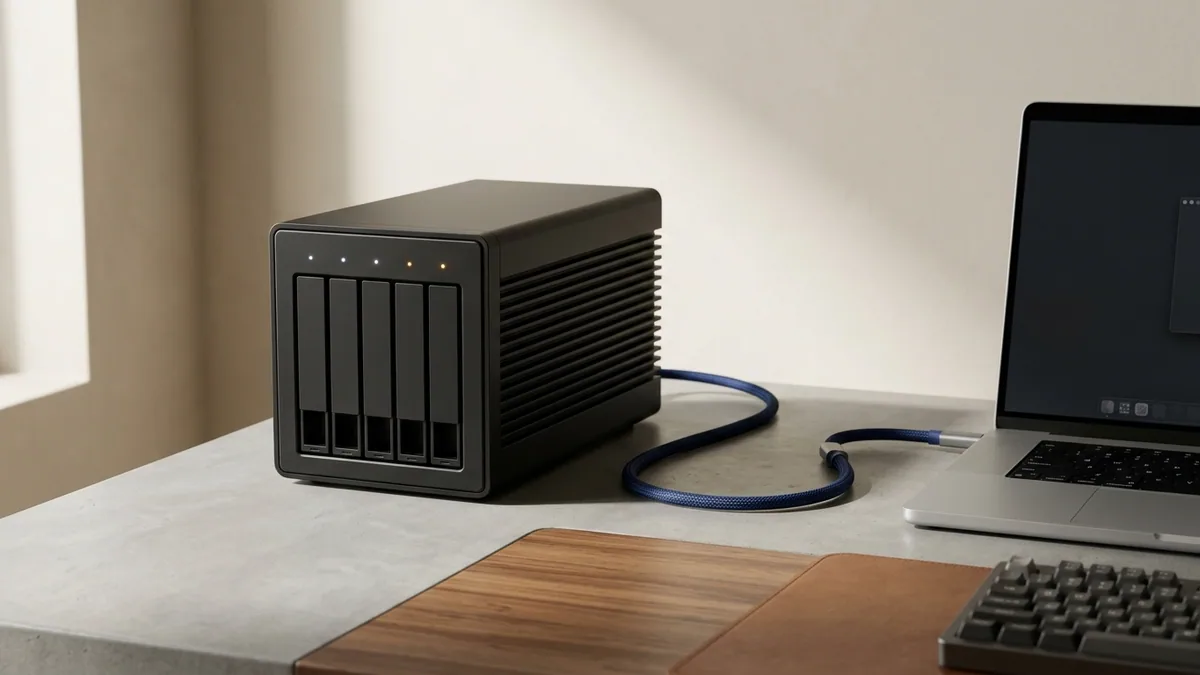
Engineering an 8K Scratch Storage & Codec Workflow That Never Drops Frames
Dropped frames during 4K/8K editing rarely mean your CPU is too slow—90% of the time, the culprit is either an unsupported Long-GOP chroma subsampling format (such as 10-bit 4:2:2 H.265 lacking hardware decode on older AMD GPUs) or trying to scrub multi-stream ProRes 422 HQ off a slow spinning USB hard drive. Build a simple three-tier media layout:
- Tier 1 (Active NVMe Scratch & Cache — 3,000+ MB/s): Keep active project media, Resolve Render Cache (DNxHR SQ / ProRes 422 LT), and Premiere Media Cache on a dedicated internal PCIe Gen4 NVMe SSD or 40Gbps Thunderbolt NVMe RAID enclosure—separate from your OS boot drive.
- Tier 2 (Remote Multi-Editor Collaboration): When two editors and a colorist work remotely across cities, pair Frame.io V4 Pro (camera-to-cloud H.265 proxies + timestamped client approvals) with LucidLink Filespaces Pro to edit off one shared cloud NAS mount seamlessly.
- Tier 3 (Cold Project Archive): Once final client masters deliver, consolidate trimmed project media via Resolve Media Management and push cold archives to Wasabi S3 or Backblaze B2 while keeping local RAID backed up via Backblaze Unlimited.
Live 2026 Video Editing & Post-Production Pricing on NguyenKey
Compare verified NguyenKey starting USD prices against direct studio retail pricing across our Video Editing & Pro Audio catalog:
| Verified Product on NguyenKey | Fulfillment Format | Retail Reference | NguyenKey Starting USD | Projected 12-Month Savings |
|---|---|---|---|---|
| DaVinci Resolve Studio | Official License Key | $19.99 | $8.99 | Save 55% (~$11/yr) |
| Adobe Premiere Pro | Direct Personal Upgrade | $9.99 | $4.99 | Save 50% (~$30/yr) |
| Adobe After Effects | Direct Personal Upgrade | $9.99 | $4.99 | Save 50% (~$30/yr) |
| CapCut Pro | Dedicated Pro Account | $9.99 | $4.49 | Save 55% (~$33/yr) |
| Topaz Video AI | Official License Key | $34.99 | $14.99 | Save 57% (~$20/yr) |
| Dehancer Pro Authentic Film Emulation (DaVinci Resolve / AE) | Official License Key | $199 | $44.99 | Save 77% (~$154/yr) |
The Pro Hybrid Workflow: Premiere/AE Motion + Resolve Grading + CapCut Shorts
Many top YouTube channels and commercial agencies maximize output by combining tools along an intentional assembly line rather than forcing one app to do everything poorly. Edit rapid social cuts and auto-captioned vertical hooks inside CapCut Pro; build complex 2D/3D product UI animations in After Effects (exported as ProRes 4444 with Alpha channel); assemble, noise-reduce, and grade the hero 4K/8K master inside perpetual DaVinci Resolve Studio with Dehancer Pro; and finish vocal clarity + commercial soundtracks using iZotope RX and Epidemic Sound Commercial.
| Creator / Studio Type | Primary NLE Anchor | Essential Finishing Pair | 3-Year Software TCO Advantage |
|---|---|---|---|
| Commercial Colorist & Indie Filmmaker | DaVinci Resolve Studio (Perpetual) | Dehancer Pro OFX + Topaz Video AI | Zero recurring NLE fees across 3–5+ years |
| Brand Agency & Motion Graphics Team | Adobe Premiere Pro + After Effects | Frame.io V4 Pro + Envato Elements | Full Dynamic Link ecosystem at 65%+ below retail |
| High-Volume YouTube & Shorts Network | DaVinci Resolve Studio + CapCut Pro | Epidemic Sound Commercial + Artlist Max Pro | Long-form cinema polish + rapid vertical scale |
YouTube applies aggressive compression (AVC1) to 1080p uploads while allocating substantially cleaner VP9/AV1 bitrates to 1440p and 4K uploads. Always upscale clean 1080p timelines to 4K via Topaz Video AI or export at 4K 45–65 Mbps from DaVinci Resolve Studio—even for viewers watching on 1080p laptops, detail retention jumps visibly.
NLE Activation, GPU Diagnostics & Troubleshooting Checklist
Keep studio timelines crash-free during tight delivery sprints with these four proven diagnostics:
- DaVinci Resolve Studio Showing "GPU Memory Full" on 8K Timelines: Switch timeline working resolution temporarily to 1080p/Half Resolution under Playback → Timeline Proxy Resolution while editing, then flip back to Full 8K solely for the final Deliver export—Resolve scales every node and mask dynamically with zero quality loss.
- Topaz Video AI Defaulting to Slow CPU Rendering: Open Preferences → Processing → AI Processor and bind explicitly to your dedicated NVIDIA RTX GPU or Apple Silicon chip, capping Max Memory % around 80% so simultaneous Resolve/Premiere apps never swap.
- Audio/Video Drift on Variable Frame Rate (VFR) Screen Recordings & Phone Clips: OBS captures and iPhone footage often use Variable Frame Rate, causing Premiere audio desync after 15 minutes. Convert VFR clips to constant-frame-rate ProRes/CFR first via Shutter Encoder or Permute before dropping them onto long timelines.
- Instant Activation Support & Warranty: Every perpetual NLE/plugin key and subscription seat on NguyenKey delivers rapidly with setup guides in our Activation Knowledge Base and full-term support at support@nguyenkey.net.
Worked Post-Production Case Study: Turning Mixed Mirrorless & Drone Footage into 4K Cinema
Real commercial shoots rarely arrive from a single controlled ARRI soundstage—editors routinely receive a chaotic mix of Sony FX3 10-bit S-Log3 interviews, DJI Mavic 3 D-Log aerials, low-light 1080p B-roll from a client’s past event, and vertical iPhone 16 Pro Apple Log behind-the-scenes clips. Turning four disparate camera sensors into one cohesive 4K commercial master demonstrates why pairing perpetual DaVinci Resolve Studio with Topaz Video AI and Dehancer Pro OFX is worth ten times its NguyenKey entry cost.
Start before opening your main edit by batch-passing soft or noisy archival 1080p clips through Topaz Video AI using the Proteus/Iris neural models on your local RTX or Apple Silicon GPU, rendering clean 4K ProRes 422 intermediates with natural skin micro-texture intact. Ingest all four camera sources into DaVinci Resolve Studio configured in DaVinci Wide Gamut (DWG) Color Management, right-click each camera bin to assign its exact input color space (S-Log3, D-Log, Apple Log, Rec.709), and watch all four sensors snap immediately into matched exposure and neutral white balance.
During assembly, run Resolve Studio’s native AI Voice Isolation (or iZotope RX) across interview tracks, cut dynamic title bumpers in After Effects (or rapid social cutdowns inside CapCut Pro), and finish your master timeline with a subtle Dehancer Pro Kodak 2383 print curve + controlled highlight halation and fine 35mm grain. Export a clean 4K H.265 master directly via hardware NVENC/Apple Media Engine—delivering theatrical polish in half the hours at a fraction of legacy retail post-production software overhead.
Delivery Spec Matrix for YouTube, Broadcast & Client Archival Masters: Never rely on generic default export presets when sending finished masters to agencies or streaming platforms. For YouTube 4K uploads, export 3840×2160 ProRes 422 HQ (or 55 Mbps 10-bit H.265 Main10 with Rec.709-A gamma tag on macOS so Safari and QuickTime never shift shadow contrast). For Instagram Reels and TikTok vertical cuts rendered from CapCut Pro or Premiere Pro, cap frame dimensions cleanly at 1080×1920 30fps or 60fps at 15–20 Mbps H.264 so aggressive social platform re-encoders preserve sharp typography and crisp skin tones without macro-blocking.
Building Reusable PowerGrades & Motion Templates: Save your tuned Dehancer Pro film stacks as DaVinci Resolve PowerGrades and export repeatable lower-thirds from After Effects as Essential Graphics `.mogrt` bundles. Standardizing those studio templates trims per-episode color and graphics turnaround by 40% while guaranteeing unmistakable brand cohesion across every client deliverable.
How NguyenKey Verifies, Delivers & Protects Video Editing & Pro Audio Licenses
Every product benchmarked across this Design, 3D CAD & Post-Production handbook—ranging from $4.49 to $44.99 across Official License Key, Direct Personal Upgrade, Dedicated Pro Account fulfillment tiers—passes through NguyenKey’s automated quality and delivery pipeline before reaching your inbox. At checkout, transparent USD totals settle cleanly via automated on-chain USDT (BEP20) verification in 30 to 60 seconds with zero foreign-currency bank markups, generating a traceable NGK- order code linked directly to your activation instructions and warranty ledger.
Standalone keys and private accounts dispatch instantaneously upon block confirmation, while direct personal email upgrades and official family invitations ship promptly without ever asking for your primary Google, Microsoft, or Apple password. Every active order carries full-term replacement coverage across 100% of its paid duration backed around the clock by our global technical desk at support@nguyenkey.net and our self-service Activation Knowledge Base.
Continue Exploring Design, 3D CAD & Post-Production Guides on NguyenKey
Every technical recommendation in this guide connects directly to live, verified licenses inside our Video Editing & Pro Audio catalog and our step-by-step Activation Knowledge Base. If you are building a complete multi-tool stack across your workstation or team, explore the companion handbooks in this topic cluster:
- Creative Cloud, 3D CAD & Cinema Post-Production: The 2026 Studio Licensing Blueprint (Topic Pillar Handbook) — How creative directors, architectural practices, and post-production houses balance perpetual studio keys with curated SaaS upgrades to slash annual seat bills by 70%+.
- Modern Product & Brand Design Stack: Adobe Creative Cloud, Figma Pro, Canva Pro & Framer Compared — How digital agencies and brand teams divide work across Adobe Creative Cloud, Figma, Canva Pro, Framer Pro, and Webflow CMS without paying overlapping retail seats.
- Architectural BIM & 3D CAD Licensing: Autodesk AutoCAD, Revit, Rhino & SketchUp Pro Workflows — How architects, structural engineers, and industrial designers connect AutoCAD, Revit BIM, Rhino 3D Grasshopper, and SketchUp Pro while slashing annual CAD seat spend.
- Pro Audio & Commercial Sound Licensing: Ableton, iZotope Mastering, Epidemic Sound & Artlist — Master studio DAW production, surgical dialogue repair, streaming LUFS loudness targets, and bulletproof YouTube/client music clearance across Ableton, iZotope, Epidemic Sound, and Artlist.
Ready to deploy? Every verified license discussed in this handbook ships automatically within 30–60 seconds via NguyenKey with transparent USD pricing and full-term replacement warranty coverage at support@nguyenkey.net:
- DaVinci Resolve Studio — starting from $8.99 (Official License Key)
- Adobe Premiere Pro — starting from $4.99 (Direct Personal Upgrade)
- Adobe After Effects — starting from $4.99 (Direct Personal Upgrade)
- CapCut Pro — starting from $4.49 (Dedicated Pro Account)
- Topaz Video AI — starting from $14.99 (Official License Key)
- Dehancer Pro Authentic Film Emulation (DaVinci Resolve / AE) — starting from $44.99 (Official License Key)