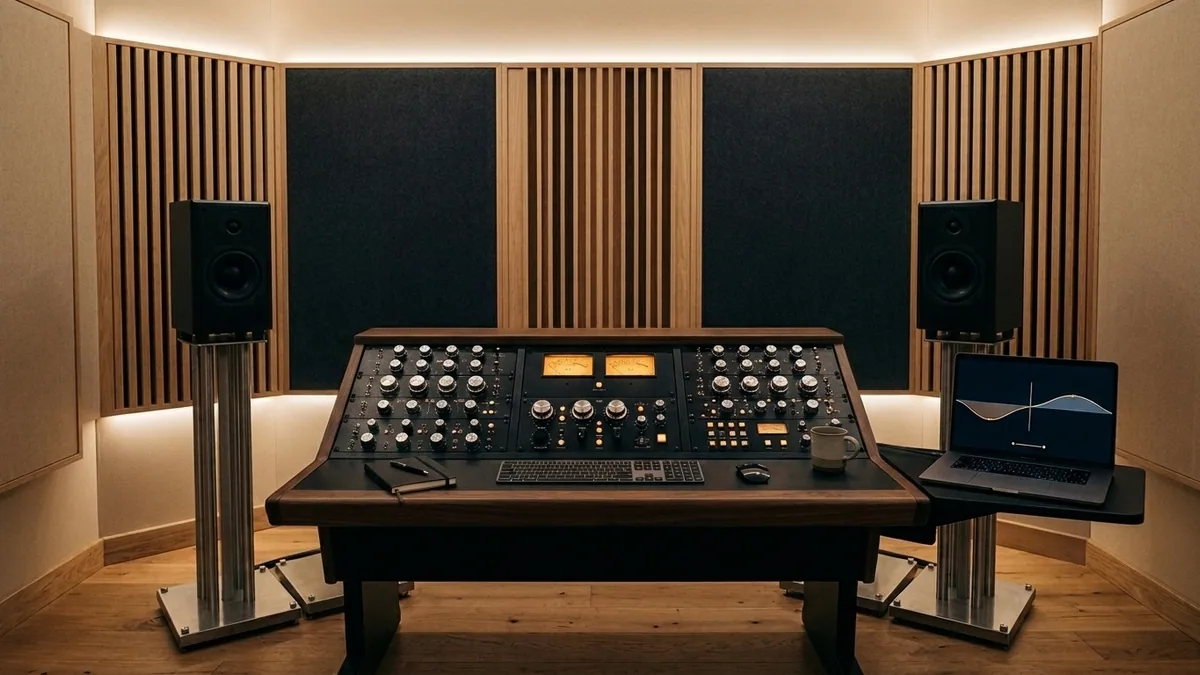
Audio is the invisible half of digital production that immediately separates amateur channels and indie projects from broadcast-grade work. Viewers readily watch a slightly grainy documentary shot on a compact camera, yet abandon a crisp 8K film inside ten seconds if dialogue echoes off bare drywall, vocals clip inconsistently between scenes, or a YouTube Content ID dispute strips ad revenue across an entire launch week.
This comprehensive pro-audio and commercial sound licensing guide bridges both halves of modern sound engineering: building a permanent studio software bench around perpetual Ableton Live Suite, iZotope RX Audio Repair, and iZotope Ozone Advanced, and deploying bulletproof commercial soundtracks and SFX clearance via Epidemic Sound Commercial and Artlist Max Pro—complete with LUFS loudness blueprints, stem ducking workflows, and real USD TCO comparisons on NguyenKey.
The Studio Audio Trinity: Ableton Live Suite, iZotope RX & Ozone Advanced
Instead of hoarding 180 overlapping VST plugins that bloat DAW load times and induce decision paralysis, seasoned producers, film composers, and podcast houses build around three industrial-strength perpetual licenses that cover 98% of production, restoration, and mastering requirements:
1. Ableton Live Suite (Composition, Sound Design & Live Scoring): Live Suite unlocks the complete Max for Live modular environment, Wavetable/Meld/Roar synths, 70GB+ studio sample packs, Elastic Audio Warping, and dual Session/Arrangement views. Beyond electronic and film scoring, video agencies love Live Suite for assembling tight rhythmic podcast intros, bespoke foley beds, and tempo-locked trailers.
2. iZotope RX Audio Repair (Surgical Spectral Cleanup): The universal post-production savior across Netflix, BBC, and flagship podcasts. RX visualizes audio as a high-resolution spectrogram so you can literally paint out a passing siren, smartphone notification ping, chair creak, mouth clicks (Mouth De-click), wireless mic rustle, electrical 50/60Hz ground hum, and harsh hotel-room echo (Dialogue De-reverb + Dialogue Isolate) without degrading natural vocal warmth.
3. iZotope Ozone Advanced (Final Mastering & Streaming Loudness Compliance): Bundles linear-phase Dynamic EQ, Stabilizer tonal balancing, Clarity spectral de-masking, vintage analog tape saturation, Imager stereo width control, and Maximizer IRC IV True Peak Limiting—plus individual component plugins you can drop straight onto Premiere Pro, DaVinci Resolve Fairlight, or Ableton master buses.
| Audio Tool / Library | Primary Studio Responsibility | Key Technical Differentiator | License Structure on NguyenKey |
|---|---|---|---|
| Ableton Live Suite | Music composition, sound design, podcast beds | Max for Live + full synth/effect library + Warp engine | Perpetual Studio Key (Win & Mac native) |
| iZotope RX Audio Repair | Dialogue cleanup, de-reverb, spectral noise removal | Visual spectrogram editor + AI Dialogue Isolate | Perpetual Key (Standalone + AU/VST3/AAX) |
| iZotope Ozone Advanced | Mastering, tonal balance, LUFS True Peak limiting | Modular mastering chain + IRC IV transparent limiter | Perpetual Key (AU/VST3/AAX) |
| Epidemic Sound Commercial | Cleared music stems & SFX for client/agency videos | Direct stem downloads + YouTube/Meta client whitelisting | Annual / Commercial Account & Personal Upgrades |
| Artlist Max Pro | All-in-one music, SFX, 4K stock footage, LUTs & plugins | Perpetual clearance for published works + multi-media bundle | Verified Commercial Creator Account |
Epidemic Sound vs. Artlist Max Pro: Navigating Content ID & Client Usage Rights
Understanding the exact legal mechanics separating Epidemic Sound Personal, Epidemic Sound Commercial, and Artlist Max Pro prevents painful revenue freezes on YouTube, Instagram, and client ad campaigns.
Epidemic Sound Commercial owns 100% of both master recording and publishing copyrights across its 50,000+ track and 200,000+ SFX catalog—meaning zero third-party PRO (ASCAP/BMI) claims can ambush your client later. Its killer post-production feature is individual stem export: every track downloads as separate Full Mix, Drums, Bass, Instruments, and Melody WAVs, letting editors mute busy vocals or lead guitars cleanly whenever an interviewee speaks. Upgrading from Personal (1 personal YouTube/social channel set) to Commercial clears unlimited freelance client channels and paid digital ad campaigns cleanly.
Artlist Max Pro wins for agile multidisciplinary video agencies and solo filmmakers who want one unified commercial roof covering music, sound effects, 4K/8K RAW stock B-roll footage, motion graphics templates, LUTs, and voiceover tools. Critically, videos published lawfully while your Artlist Max Pro or Epidemic Sound Commercial license is active remain cleared in perpetuity—even if you pause subscriptions years later—provided you safeguard the track clearance certificates and publish during the active license window.
Before setting any client YouTube video to Public: (1) register the exact destination channel URL inside your Epidemic Sound Commercial or Artlist dashboard, (2) upload as Unlisted for 15 minutes so YouTube’s automated Checks scan confirms "No issues found", and (3) drop the exported license certificate PDF inside the client handover zip folder.
The Broadcast Dialogue & Music Mastering Chain: Hitting Exact LUFS Targets
Different distribution platforms normalize playback loudness differently—uploading an under-compressed -24 LUFS podcast sounds whisper-quiet on commuter earbuds, while crushing a YouTube essay to -6 LUFS triggers harsh platform gain reduction and listener ear fatigue. Configure a reusable five-stage mastering template inside Ableton Live, DaVinci Resolve Fairlight, or Premiere Pro using iZotope RX and Ozone Advanced:
- Stage 1 — Surgical Cleanup (iZotope RX): Apply High-Pass Filter at 75–85Hz (eliminating desk thumps and air-conditioning rumble), followed by RX Mouth De-click (sensitivity 3.0) and light Dialogue De-reverb (15–30% max so voices stay natural rather than robotic).
- Stage 2 — Gentle Compression & De-Essing: Catch vocal peaks evenly with a 3:1 compressor (3–4dB gain reduction) and tame harsh 6kHz–8kHz "S" sibilance before loudness limiting.
- Stage 3 — Stem-Aware Music Ducking: Drop your Epidemic Sound instrumental bed 18dB–24dB beneath spoken dialogue, carving a subtle -2.5dB wide EQ dip around 1kHz–3kHz on the music bus (presence frequency pocket) so voices slice through effortlessly at low volume.
- Stage 4 — Target Loudness & True Peak Ceiling (iZotope Ozone Maximizer): Lock Ozone’s True Peak ceiling strictly to -1.0 dBTP (preventing AAC/Opus inter-sample clipping distortion on streaming encoders) and target -14 LUFS integrated for YouTube/Spotify/Apple Music, -16 LUFS for stereo podcasts, or -23/-24 LKFS for broadcast TV/cinema.
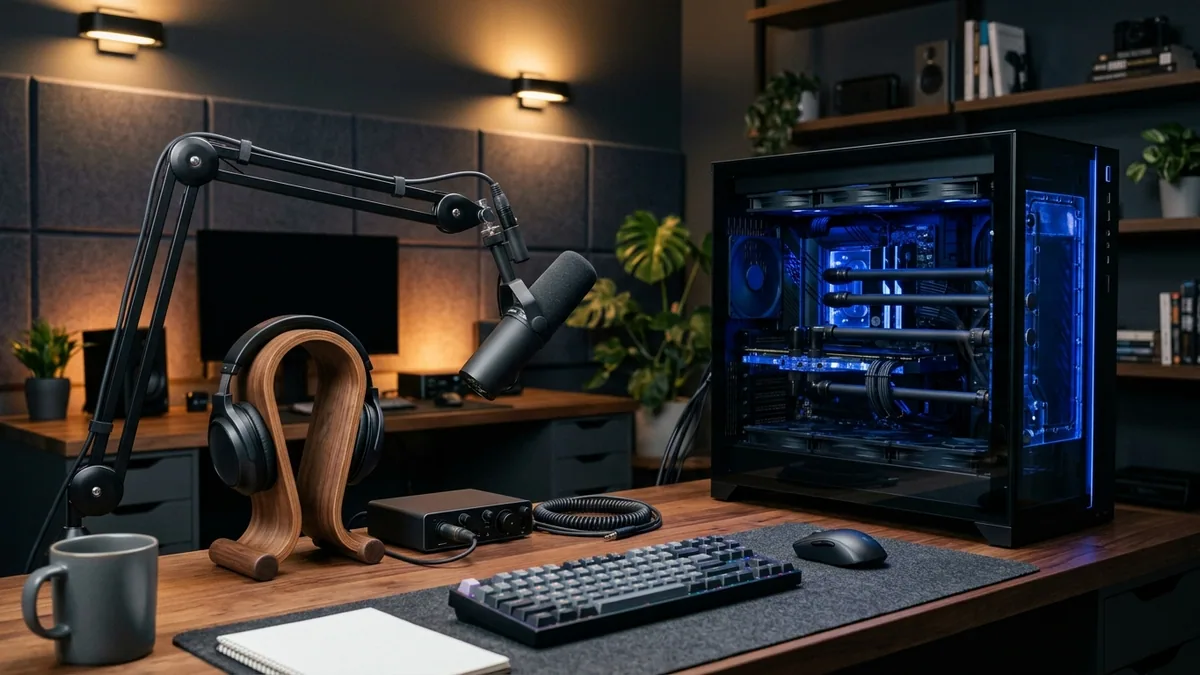
Live 2026 Pro Audio & Commercial Music Licensing Pricing on NguyenKey
Retail list pricing for Ableton Live Suite ($749), iZotope RX Advanced ($1,199), Ozone Advanced ($499), Epidemic Sound Commercial ($299–$599/yr), and Artlist Max Pro ($479/yr) quickly exceeds $3,200 in Year 1. Inspect verified NguyenKey starting USD prices below:
| Verified Product on NguyenKey | Fulfillment Format | Retail Reference | NguyenKey Starting USD | Projected 12-Month Savings |
|---|---|---|---|---|
| Ableton Live Standard & Suite | Official License Key | $34.99 | $14.99 | Save 57% (~$20/yr) |
| iZotope RX Standard & Advanced | Official License Key | $29.99 | $12.99 | Save 57% (~$17/yr) |
| iZotope Ozone Advanced | Official License Key | $34.99 | $14.99 | Save 57% (~$20/yr) |
| Epidemic Sound Personal / Commercial | Dedicated Pro Account | $19.99 | $9.99 | Save 50% (~$60/yr) |
| Epidemic Sound Personal & Commercial Music — Direct Account Upgrade | Direct Personal Upgrade | $119 | $39.99 | Save 66% (~$474/yr) |
| Artlist Max Pro | Dedicated Pro Account | $34.99 | $14.99 | Save 57% (~$120/yr) |
Reference Monitoring: Checking Final Masters on Planar Headphones & Roon Hi-Res Chains
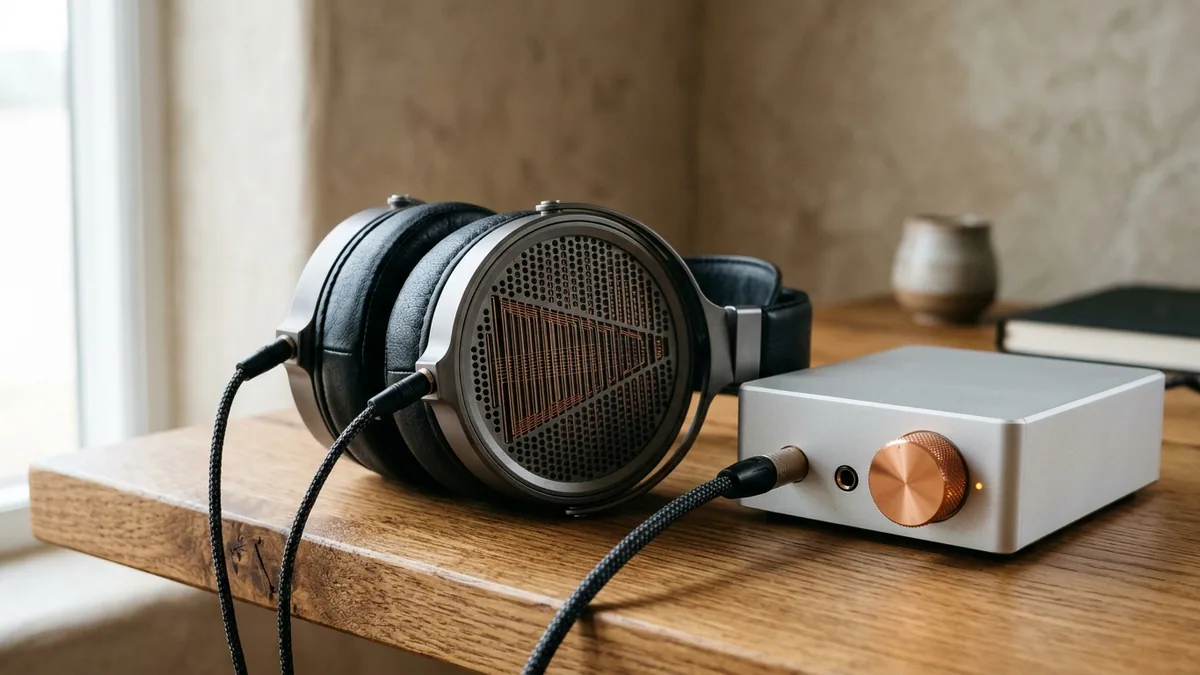
Software mastering plugins can only fix frequency imbalances you can actually hear. Mixing on consumer bass-boosted Bluetooth earbuds tricks engineers into carving away too much low-end warmth—resulting in thin, tinny audio on laptops and car stereos. Pair your studio bench with neutral open-back planar magnetic or reference studio headphones driven by a clean USB-C DAC/amp, and run quick A/B translation checks against commercial reference tracks inside iZotope Ozone Tonal Balance Control.
Many mastering engineers and audiophile sound designers also keep a hi-res reference library handy via Qobuz Studio or Roon Labs (in our Streaming & Hi-Res Audio catalog) to benchmark uncompressed 24-bit acoustic dynamics against their own bounced masters across headphones, nearfield monitors, and living-room hi-fi systems.
| Audio Creator Profile | Recommended Core Stack | Loudness & Export Target | Companion Workflow Tool |
|---|---|---|---|
| YouTube Documentary & Video Agency | iZotope RX + Epidemic Sound Commercial + Artlist Max | -14 LUFS / -1.0 dBTP / 48kHz 24-bit WAV | DaVinci Resolve Studio + ElevenLabs Creator |
| Electronic / Film Composer & Producer | Ableton Live Suite + iZotope Ozone Advanced + RX | -14 to -9 LUFS / -1.0 dBTP / 24-bit WAV | Qobuz Studio / Roon Reference Monitoring |
| Executive Podcast & Audiobook Studio | iZotope RX + Ozone Advanced + Epidemic Sound | -16 LUFS stereo (-19 mono) / -1.0 dBTP | NotebookLM Plus + Backblaze Unlimited |
On Windows 11 audio workstations running Ableton Live Suite, always use your audio interface’s native manufacturer ASIO driver (set buffer size to 128 samples during recording and 512–1024 samples during heavy iZotope Ozone linear-phase mastering) rather than default Windows MME/DirectX drivers—eliminating audible pops and MIDI timing jitter completely.
Plugin Path Setup, Activation Continuity & Troubleshooting Checklist
Avoid broken session loads right before a client mix review by verifying four clean setup steps:
- Standardize on VST3 & AU Formats Only: Disable legacy VST2 scanning inside Ableton Live and Premiere Preferences so iZotope RX and Ozone load in native 64-bit Apple Silicon / x64 VST3/AU wrappers with minimal RAM draw and clean HiDPI scaling.
- Keep Audio Sample Rate Locked to Project Deliverable: Set Ableton and your NLE uniformly to 48kHz / 24-bit for all video and YouTube workflows (avoiding silent 44.1kHz-to-48kHz resampling pitch/click artifacts when exporting cinema audio).
- Resolve Accidental YouTube Content ID Claims in 5 Minutes: If an automated bot flags a cleared client upload before channel whitelisting syncs, click Dispute → License inside YouTube Studio and paste your Epidemic Sound Commercial or Artlist license reference number—claims release automatically with zero ad-revenue loss.
- Full-Term NguyenKey Replacement Warranty: Every perpetual DAW/plugin key and commercial music account ships within seconds via NguyenKey with onboarding guides in our Activation Knowledge Base and 24/7 support at support@nguyenkey.net.
Worked Studio Rescue: Fixing a Noisy Conference Interview & Scoring a Global Brand Film
Nothing demonstrates the real commercial ROI of pro audio software faster than rescuing a high-stakes executive interview that cannot be re-shot. Imagine a CEO keynote recorded in a glass-walled convention center hall: reverberant slap-echo muddies every consonant, an overhead air-conditioning unit drones steadily at 120Hz, and a distant espresso machine hisses right behind the key product announcement.
Pull the raw 24-bit WAV track straight into iZotope RX Audio Repair standalone spectrogram mode. Two quick passes—Spectral De-noise learned cleanly off a 1.5-second room-tone pause, followed by targeted Dialogue De-reverb at 22% reduction and Mouth De-click—strip away distracting hall artifacts while preserving crisp chest resonance and authentic vocal transients. Next, drop the rescued vocal into Ableton Live Suite (or DaVinci Resolve Fairlight), layer subtle rhythmic percussion and warm pad stems pulled from Epidemic Sound Commercial (keeping the melody stem muted strictly during spoken sentences so instrumentation never fights speech intelligibility), and punctuate chapter transitions with restrained sub-booms and foley textures from Artlist Max Pro.
Finish the master bus through iZotope Ozone Advanced—checking spectral smoothness inside Tonal Balance Control and locking Maximizer IRC IV to -14 LUFS / -1.0 dBTP True Peak—then verify stereo translation on open-back reference headphones. In forty-five minutes of surgical audio finishing, an unusable conference recording becomes a crisp, broadcast-cleared global launch film protected against every automated Content ID strike.
Building a Repeatable Commercial Stem & SFX Library: Every time you license standout risers, subtle UI clicks, room ambiences, or underscore beds from Epidemic Sound Commercial and Artlist Max Pro, organize them into a searchable local studio library tagged by BPM, musical key, and emotional mood (indexed instantaneously via Ableton Live’s tag browser or Soundly). Keeping your cleared commercial stems alongside perpetual iZotope RX repair presets cuts future video sound-design turnaround time in half while maintaining spotless copyright compliance across every client account.
How NguyenKey Verifies, Delivers & Protects Video Editing & Pro Audio Licenses
Every product benchmarked across this Design, 3D CAD & Post-Production handbook—ranging from $9.99 to $39.99 across Official License Key, Dedicated Pro Account, Direct Personal Upgrade fulfillment tiers—passes through NguyenKey’s automated quality and delivery pipeline before reaching your inbox. At checkout, transparent USD totals settle cleanly via automated on-chain USDT (BEP20) verification in 30 to 60 seconds with zero foreign-currency bank markups, generating a traceable NGK- order code linked directly to your activation instructions and warranty ledger.
Standalone keys and private accounts dispatch instantaneously upon block confirmation, while direct personal email upgrades and official family invitations ship promptly without ever asking for your primary Google, Microsoft, or Apple password. Every active order carries full-term replacement coverage across 100% of its paid duration backed around the clock by our global technical desk at support@nguyenkey.net and our self-service Activation Knowledge Base.
Continue Exploring Design, 3D CAD & Post-Production Guides on NguyenKey
Every technical recommendation in this guide connects directly to live, verified licenses inside our Video Editing & Pro Audio catalog and our step-by-step Activation Knowledge Base. If you are building a complete multi-tool stack across your workstation or team, explore the companion handbooks in this topic cluster:
- Creative Cloud, 3D CAD & Cinema Post-Production: The 2026 Studio Licensing Blueprint (Topic Pillar Handbook) — How creative directors, architectural practices, and post-production houses balance perpetual studio keys with curated SaaS upgrades to slash annual seat bills by 70%+.
- Modern Product & Brand Design Stack: Adobe Creative Cloud, Figma Pro, Canva Pro & Framer Compared — How digital agencies and brand teams divide work across Adobe Creative Cloud, Figma, Canva Pro, Framer Pro, and Webflow CMS without paying overlapping retail seats.
- Architectural BIM & 3D CAD Licensing: Autodesk AutoCAD, Revit, Rhino & SketchUp Pro Workflows — How architects, structural engineers, and industrial designers connect AutoCAD, Revit BIM, Rhino 3D Grasshopper, and SketchUp Pro while slashing annual CAD seat spend.
- 8K Video Editing & Color Grading Suites: DaVinci Resolve Studio, Premiere Pro & CapCut Pro — A post-production engineering comparison of DaVinci Resolve Studio, Adobe Premiere Pro, CapCut Pro, Topaz Video AI, and Dehancer Pro across 8K codecs, grading, and TCO.
Ready to deploy? Every verified license discussed in this handbook ships automatically within 30–60 seconds via NguyenKey with transparent USD pricing and full-term replacement warranty coverage at support@nguyenkey.net:
- Ableton Live Standard & Suite — starting from $14.99 (Official License Key)
- iZotope RX Standard & Advanced — starting from $12.99 (Official License Key)
- iZotope Ozone Advanced — starting from $14.99 (Official License Key)
- Epidemic Sound Personal / Commercial — starting from $9.99 (Dedicated Pro Account)
- Epidemic Sound Personal & Commercial Music — Direct Account Upgrade — starting from $39.99 (Direct Personal Upgrade)
- Artlist Max Pro — starting from $14.99 (Dedicated Pro Account)