1,522+ Verified Software Licenses 30s BEP20 Auto-Dispatch Full-Term Replacement Warranty
Activation Guide · Official Family Slot

How to Activate Canva Pro & Magic Studio on Your Personal Email

Join an official Canva Pro / Teams workspace on your existing Canva account in under 2 minutes while keeping your designs completely private.

1
Submit Your Registered Canva Email at Checkout

Choose your Canva Pro duration on NguyenKey, enter the email linked to your existing Canva account (or create a free Canva account first), and complete checkout.

2
Click the Official Canva Invitation Link in Your Inbox

Open the automated invitation email sent from Canva / NguyenKey within 1–5 minutes and click "Join Team" or "Accept Invite".

3
Switch to Your Upgraded Pro Workspace

In the top-right profile switcher inside Canva (Web, Desktop, or Mobile), select the upgraded Pro workspace to unlock Crown assets, Magic Studio AI, and Background Remover.

4
Keep Personal Designs Private & Export in 4K/SVG

All designs you create stay private inside your personal folder unless you explicitly click Share. Export transparent PNGs, SVGs, CMYK print PDFs, and 4K videos freely.
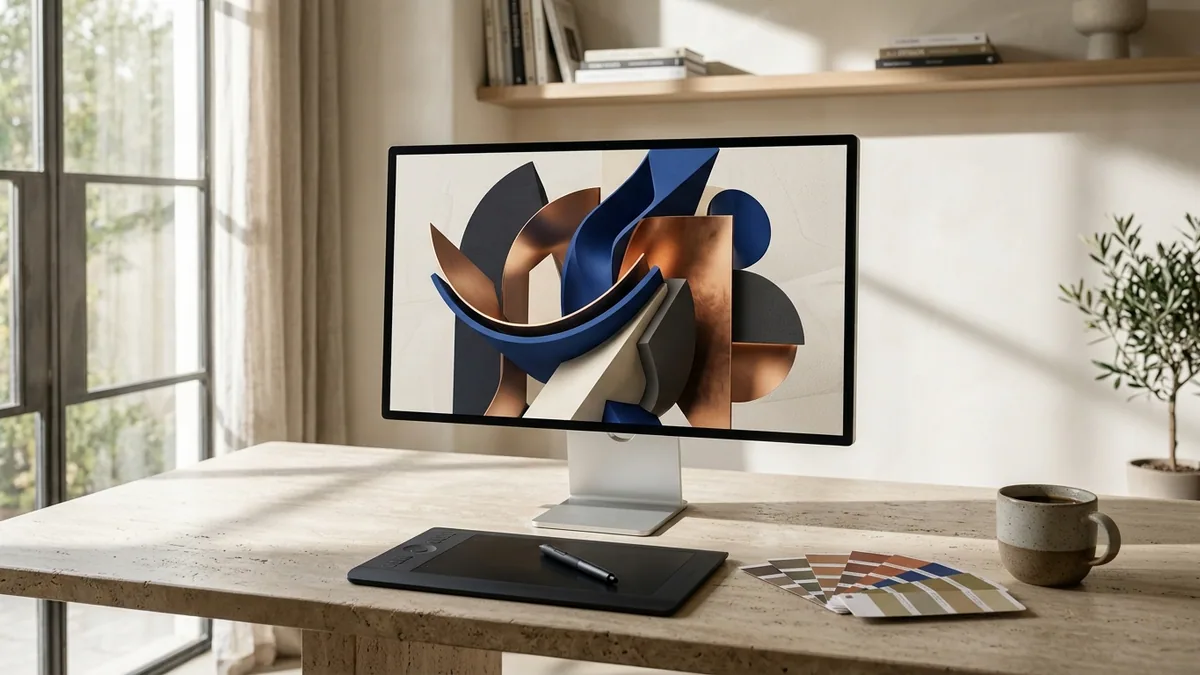
Creative studio desk with calibrated 5K display, pen tablet, and brand color swatches for Canva Pro design teams
Canva Pro and Magic Studio team seats unlock Brand Kits, Magic Resize, and commercial stock libraries on your existing email workspace.

Important Pro Tips & Account Safety Guidelines

  • Want to move existing designs between workspaces? Open any design -> File -> Make a copy -> select your upgraded Pro workspace.
  • Always keep periodic backups of critical client brand kits—our full-term warranty covers your entire subscription period.
  • Every purchase at NguyenKey (nguyenkey.net) is protected by our Full-Term Replacement Warranty. Keep your NGK-XXXXXX order code handy for instant 24/7 assistance via support@nguyenkey.net.

Ready to order or renew? Visit the official Canva — Official Family Plan Invite page (starting at $7.99) for instant global delivery.

Troubleshooting & FAQ

01 Can other team members view my Canva Pro projects?
No. By default, every project inside your personal Projects folder is strictly visible only to you unless you manually change its sharing permission.
02 Are Magic Eraser, Background Remover, and Brand Fonts unlocked?
Yes—100% of premium templates, 100M+ stock photos/videos, Background Remover, and Magic Studio AI tools are unlocked.
03 Does Canva Pro work on iPad, iPhone, Android, and macOS/Windows desktop apps?
Yes, simply log in with the same email on any device and select your Pro workspace.

More Activation Guides

How to Activate Canva Pro & Magic Studio on Your Personal Email How to Activate ChatGPT Plus, Claude Pro/Max & Cursor AI Accounts How to Activate Microsoft 365 (Word, Excel, PowerPoint & 1TB OneDrive) How to Activate Spotify Premium Ad-Free on Your Existing Account How to Activate YouTube Premium & Music Ad-Free on Your Google Account How to Activate Zoom Workplace Pro (Unlimited Meeting Duration) How to Redeem Software License Keys & USD Digital Gift Cards How to Upgrade Google One Cloud Storage (200GB / 2TB) & Google AI Pro