1,522+ Verified Software Licenses 30s BEP20 Auto-Dispatch Full-Term Replacement Warranty
Activation Guide · Official Family Slot

How to Activate YouTube Premium & Music Ad-Free on Your Google Account

Complete 3-minute walkthrough to accept your official Google Family invitation while keeping 100% of your playlists, channels, and watch history.

1
Place Your Order with Your Personal Gmail Address

Select your preferred duration on the YouTube Premium page, enter your personal Google account email (no password required), and complete checkout.

2
Open the Official Invitation Email from Google

Within 1–5 minutes of order confirmation, check your Gmail inbox (and Updates/Spam tabs) for an official invitation titled "Join Family Group" sent directly by Google.

3
Accept the Invitation in an Authenticated Browser

Click "Accept Invitation" while signed into the exact Google account you submitted at checkout, then confirm joining the family group.

4
Verify Active YouTube Premium & YouTube Music Status

Open the YouTube or YouTube Music app on your phone, Smart TV, or browser—the Premium logo appears in the top-left corner with ad-free playback, background play, and offline downloads active.
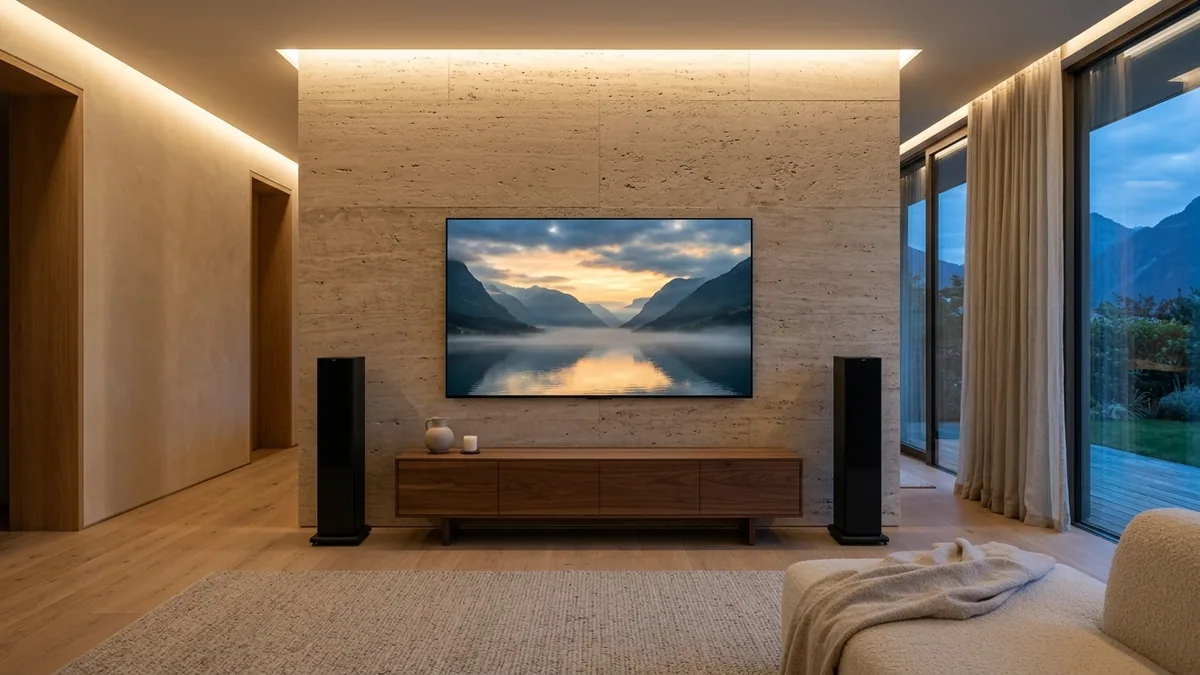
Nordic 4K OLED home cinema living room streaming YouTube Premium ad-free HDR
YouTube Premium & Music family-group upgrades activate directly on your personal Google account across TV, desktop, and mobile devices.

Important Pro Tips & Account Safety Guidelines

  • Your watch history, liked videos, playlists, and YouTube channel remain 100% private to your personal Google account—family managers can never view your activity.
  • Google limits switching family groups to once every 12 months per Google account. If your Gmail recently left another family group, contact support@nguyenkey.net for an instant workaround or dedicated account.
  • Every purchase at NguyenKey (nguyenkey.net) is protected by our Full-Term Replacement Warranty. Keep your NGK-XXXXXX order code handy for instant 24/7 assistance via support@nguyenkey.net.

Ready to order or renew? Visit the official YouTube Premium Family — Official Family Plan Invite page (starting at $2.99) for instant global delivery.

Troubleshooting & FAQ

01 Do I ever need to share my Google password for YouTube Premium?
Never. Official Family Slot invitations only require your public Gmail address—you accept the official Google email yourself.
02 Does YouTube Premium work on Apple TV, LG/Samsung Smart TVs, PS5, and iOS?
Yes! Once active on your Google account, ad-free playback works automatically on every device signed into your YouTube profile worldwide.
03 What if Google shows "Different country than family manager"?
Simply reach out to support@nguyenkey.net with your NGK order code—our support engineers will match you with a compatible global group in minutes.

More Activation Guides

How to Activate Canva Pro & Magic Studio on Your Personal Email How to Activate ChatGPT Plus, Claude Pro/Max & Cursor AI Accounts How to Activate Microsoft 365 (Word, Excel, PowerPoint & 1TB OneDrive) How to Activate Spotify Premium Ad-Free on Your Existing Account How to Activate YouTube Premium & Music Ad-Free on Your Google Account How to Activate Zoom Workplace Pro (Unlimited Meeting Duration) How to Redeem Software License Keys & USD Digital Gift Cards How to Upgrade Google One Cloud Storage (200GB / 2TB) & Google AI Pro