1,522+ Verified Software Licenses 30s BEP20 Auto-Dispatch Full-Term Replacement Warranty
Activation Guide · Official Family Slot

How to Upgrade Google One Cloud Storage (200GB / 2TB) & Google AI Pro

Expand your existing Gmail, Google Drive, and Google Photos storage quota without moving a single file or sharing your password.

1
Provide Your Gmail Address During Checkout

Select your desired Google One or Google AI Pro storage tier on NguyenKey, enter your Gmail address, and confirm your order at checkout.

2
Accept the Google Family Group Invitation

Open the official Google invitation sent to your Gmail inbox and click "Accept Invitation" to join the storage-sharing group.

3
Verify Shared Storage Enabled at one.google.com

Visit one.google.com/storage—your Gmail, Google Drive, and original-quality Google Photos immediately begin drawing from the upgraded 2TB+ cloud pool.

4
Enable Automatic Mobile Photo Backup & Gemini Features

Open Google Photos on iOS or Android to confirm High-Resolution / Original backup is active, and access Gemini Advanced if included in your selected Google AI Pro plan.
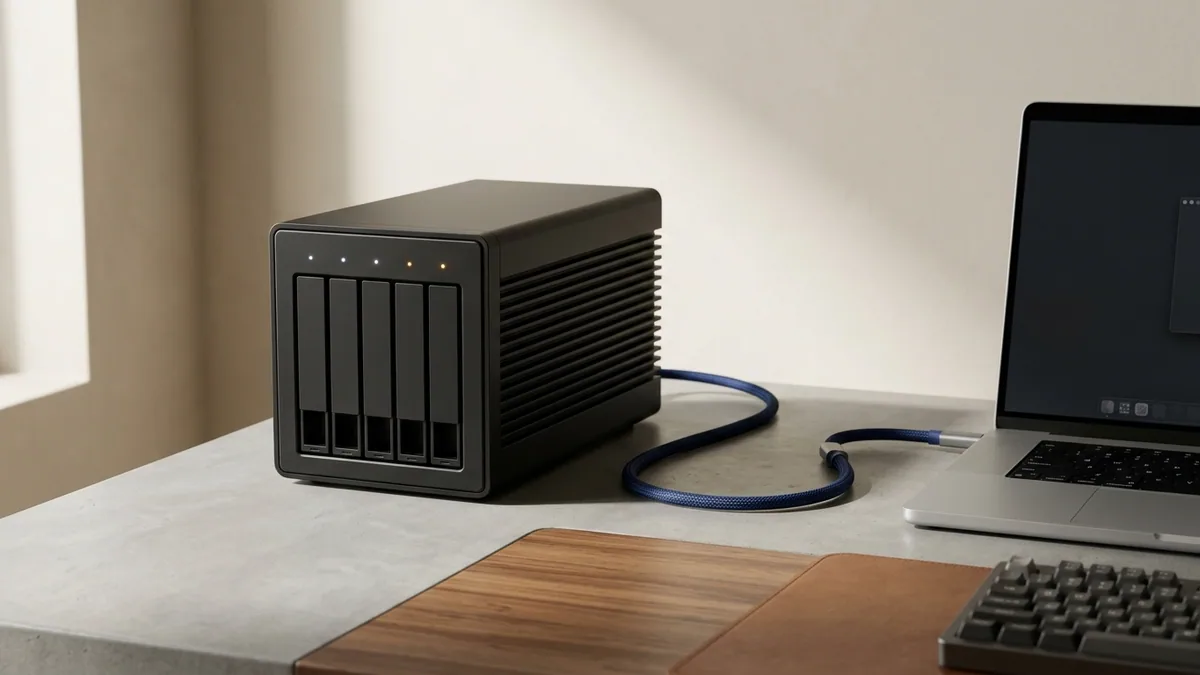
Encrypted multi-bay NVMe RAID workstation paired with Google One cloud storage synchronization
Google One storage upgrades pool cleanly on top of your existing 15GB Google quota while preserving complete Gmail and Drive folder privacy.

Important Pro Tips & Account Safety Guidelines

  • Your existing 15GB free quota is filled first, and any overflow seamlessly uses the shared Google One pool with zero file migration needed.
  • Your Gmail messages, Google Drive folders, and Google Photos remain 100% private to your personal Google account.
  • Every purchase at NguyenKey (nguyenkey.net) is protected by our Full-Term Replacement Warranty. Keep your NGK-XXXXXX order code handy for instant 24/7 assistance via support@nguyenkey.net.

Ready to order or renew? Visit the official Google One — Official Personal Account Upgrade page (starting at $4.99) for instant global delivery.

Troubleshooting & FAQ

01 Are my Google Photos and Google Drive documents private?
Yes—100% private. Google strictly isolates every member's emails, photos, and Drive files; only storage space is shared.
02 What happens to my files when my subscription expires if I forget to renew?
Google never deletes your files immediately; your existing files remain accessible to view and download while you renew your plan on NguyenKey.
03 Can I upgrade a Google Workspace custom-domain email?
Google Family storage sharing requires a standard @gmail.com consumer account; for custom domains, choose our dedicated Google Workspace Business plan.

More Activation Guides

How to Activate Canva Pro & Magic Studio on Your Personal Email How to Activate ChatGPT Plus, Claude Pro/Max & Cursor AI Accounts How to Activate Microsoft 365 (Word, Excel, PowerPoint & 1TB OneDrive) How to Activate Spotify Premium Ad-Free on Your Existing Account How to Activate YouTube Premium & Music Ad-Free on Your Google Account How to Activate Zoom Workplace Pro (Unlimited Meeting Duration) How to Redeem Software License Keys & USD Digital Gift Cards How to Upgrade Google One Cloud Storage (200GB / 2TB) & Google AI Pro